
From thermal calculation to exchanger detailing.
Sizing, geometry and technical documentation in one platform for heat exchanger engineering.
Features and deliverables vary by plan. Shell & Tube is a separate add-on.
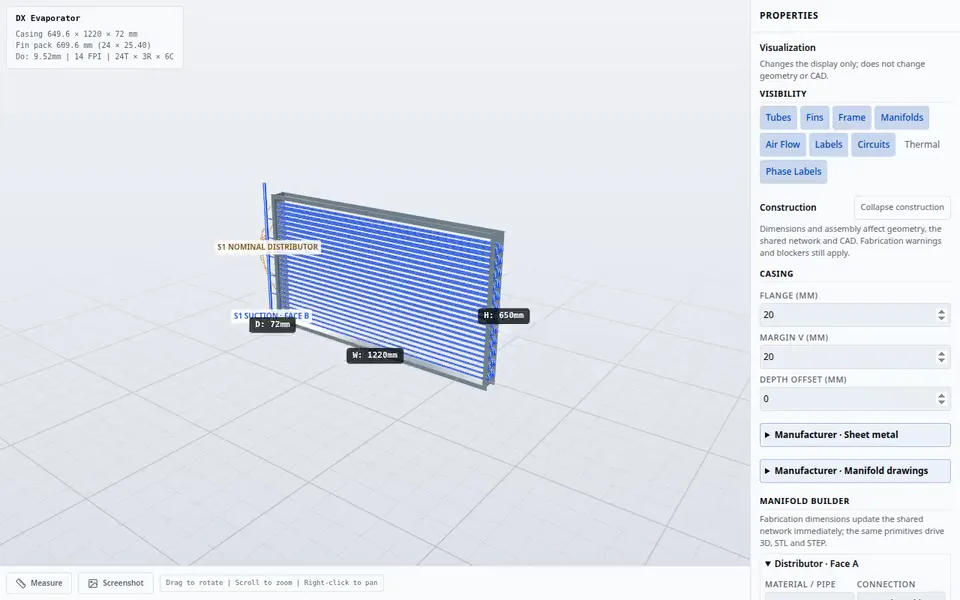
Configure your heat exchanger in 3D
Real ExCoil recording: rotate the coil, inspect the tubes and adjust the casing. Features vary by plan.
- 7
- heat exchanger modules
- 16
- refrigerants with CoolProp-traceable property tables
- 21
- tube, fin and shell materials
- 6
- website languages
From inputs to drawings without retyping
Calculation, circuitry, headers and documentation reuse the configured geometry. Available views and exports depend on your module and plan.
The platform connects calculation, geometry and documentation. Access to projects, views and exports depends on your plan; the thermal engines are the same across plans.
- 01
1. Define the duty
Enter air, refrigerant, water, glycol or steam conditions in the units you prefer: SI, US HVAC, refrigeration or a custom pack saved per user.
- 02
2. Rate or size
Rate a known coil or use the target-solving mode offered by its module. DX sizing evaluates the entered geometry at a target-derived refrigerant flow; it does not automatically resize the coil. Review achieved results and unmet targets.
- 03
3. Check physics and hydraulics
Energy balance, velocities, pressure drops, saturation drop and circuit loading are shown with explicit warnings and blocking conditions.
- 04
4. Export deliverables
Professional includes general 2D views, PDF thermal reports and CSV/JSON data. Enterprise adds general 3D views and batch/API, not fabrication CAD. Manufacturer adds detailed drawings and part fabrication files in DXF, STL and STEP. Shell-and-tube fabrication files require Manufacturer in addition to the module add-on.
One engineering workspace, seven heat exchanger types
Each module has its own physical model and shares geometry, materials and units. Project saving, views and reports are available according to your plan.
Six finned-tube coil modules. Shell & Tube calculations require a separate add-on, independent of coil plans.
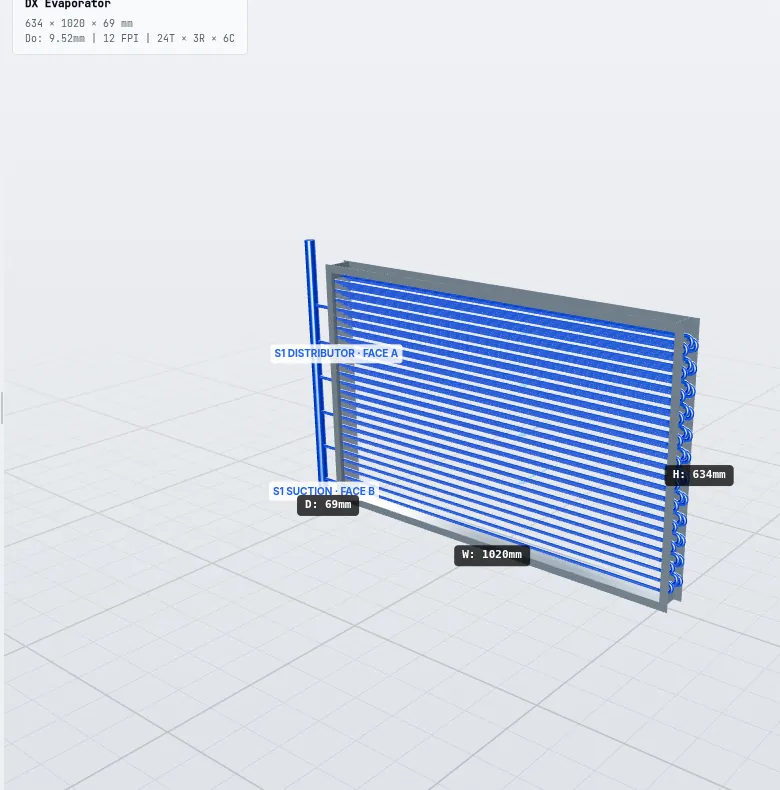
Direct-expansion evaporator coils
DX evaporator
Capacity, SHR, superheat and refrigerant ΔP with rating, sizing and TXV modes.
Learn more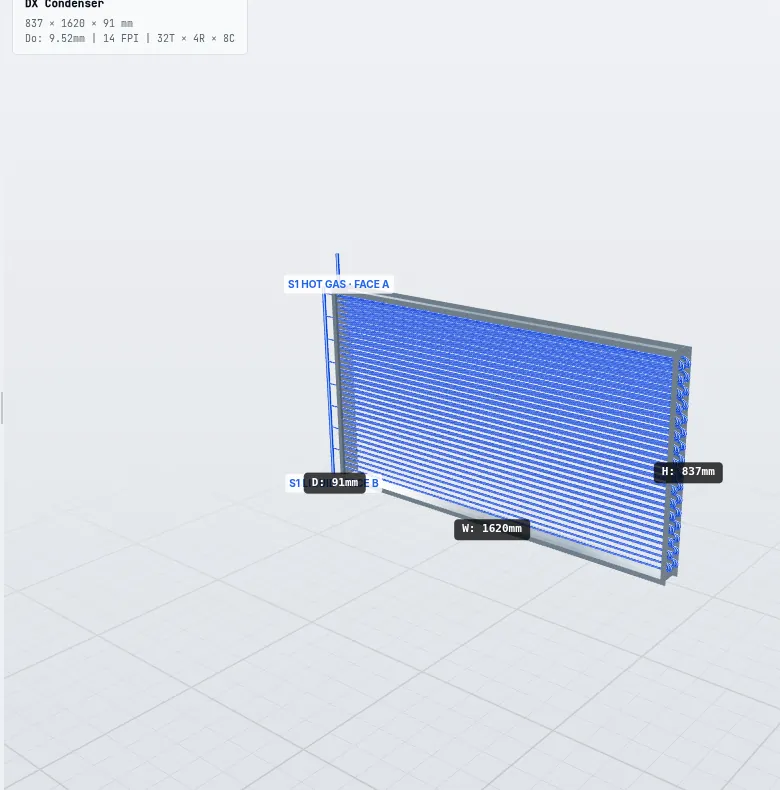
Air-cooled condenser coils
Condenser coil
Desuperheating, condensing and subcooling zones with real refrigerant enthalpies.
Learn more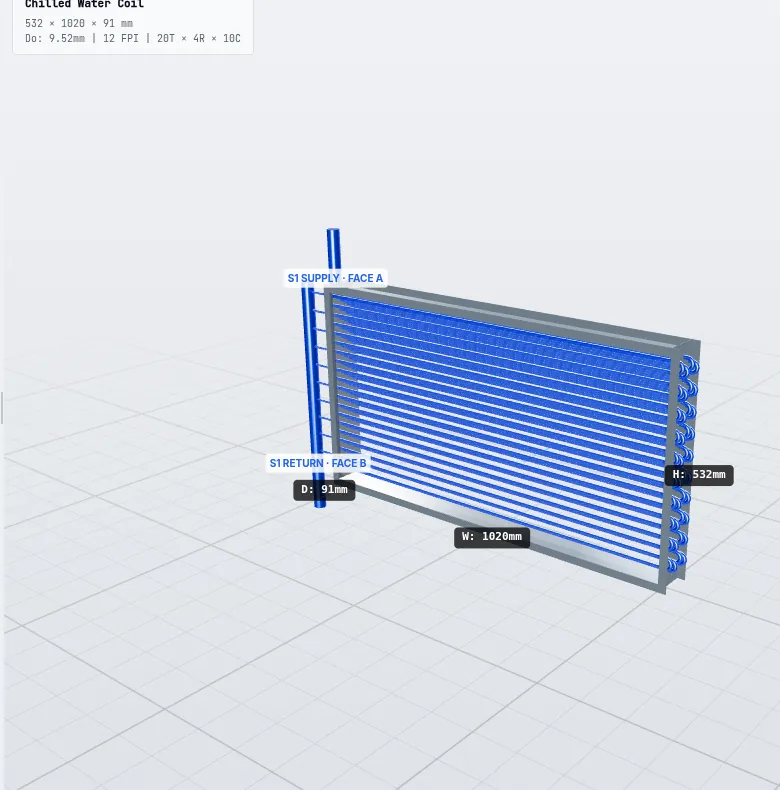
Chilled water and glycol cooling coils
Chilled water coil
AHU cooling coils with dry/wet surface, glycol and real header sizing.
Learn more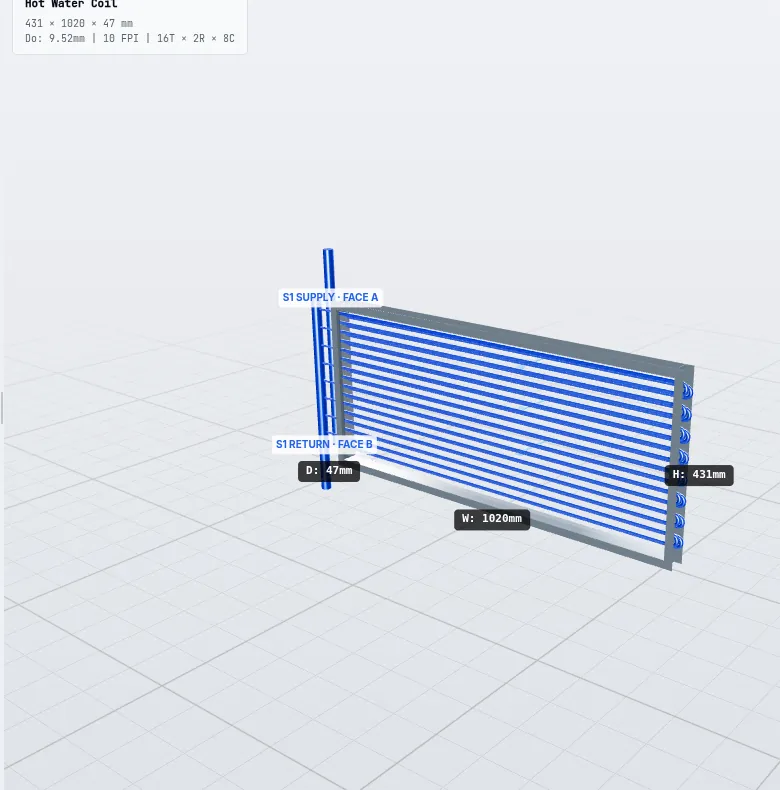
Hot water and glycol heating coils
Hot water coil
Heating and reheat coils with water velocity and pressure drop checks.
Learn more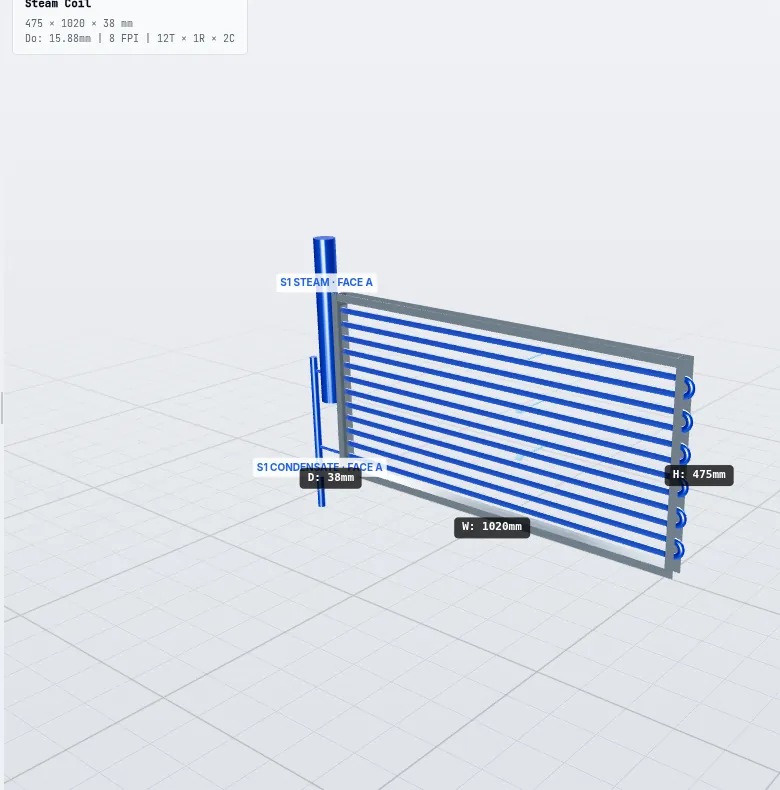
Steam heating coils
Steam coil
In-tube condensation, steam consumption and condensate sizing.
Learn more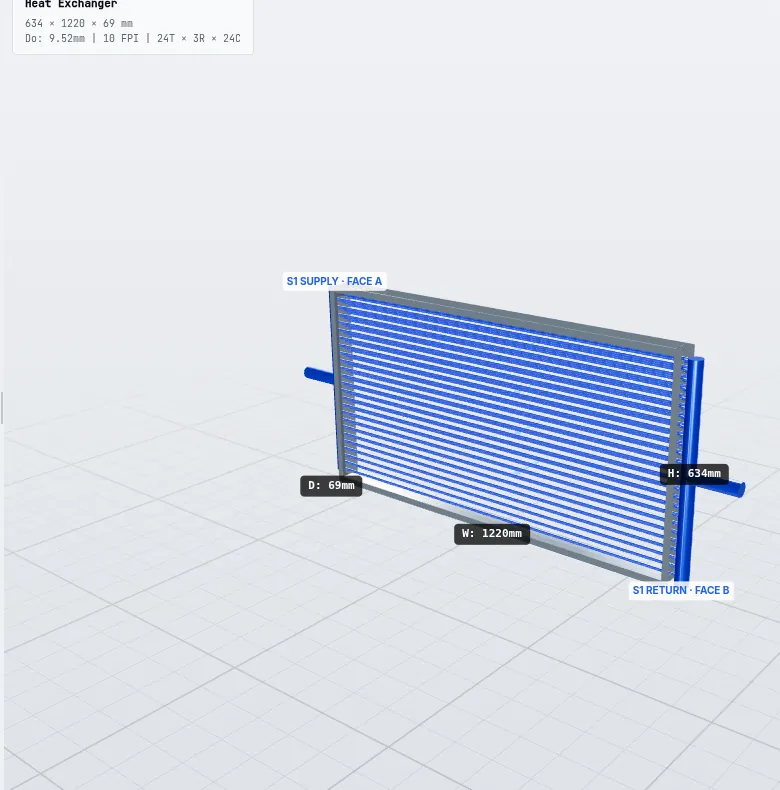
Dry coolers and fluid coolers
Dry cooler
Water and glycol fluid coolers with balanced sizing and V-shape layouts.
Learn more
Separate add-on subscription
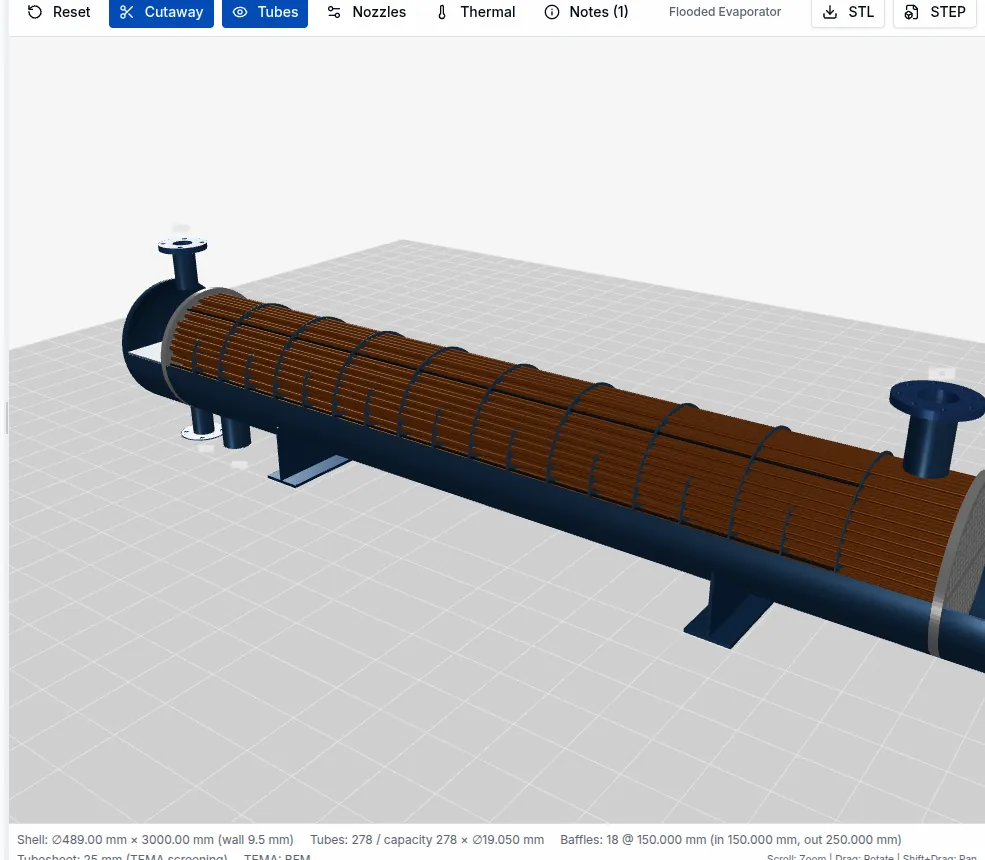
Shell & tube
Bell-Delaware, TEMA types, drawings, STEP, BOM and weights from one model.
Learn moreEngineering you can review
Real application previews with example inputs. Each deliverable has its own plan requirements.
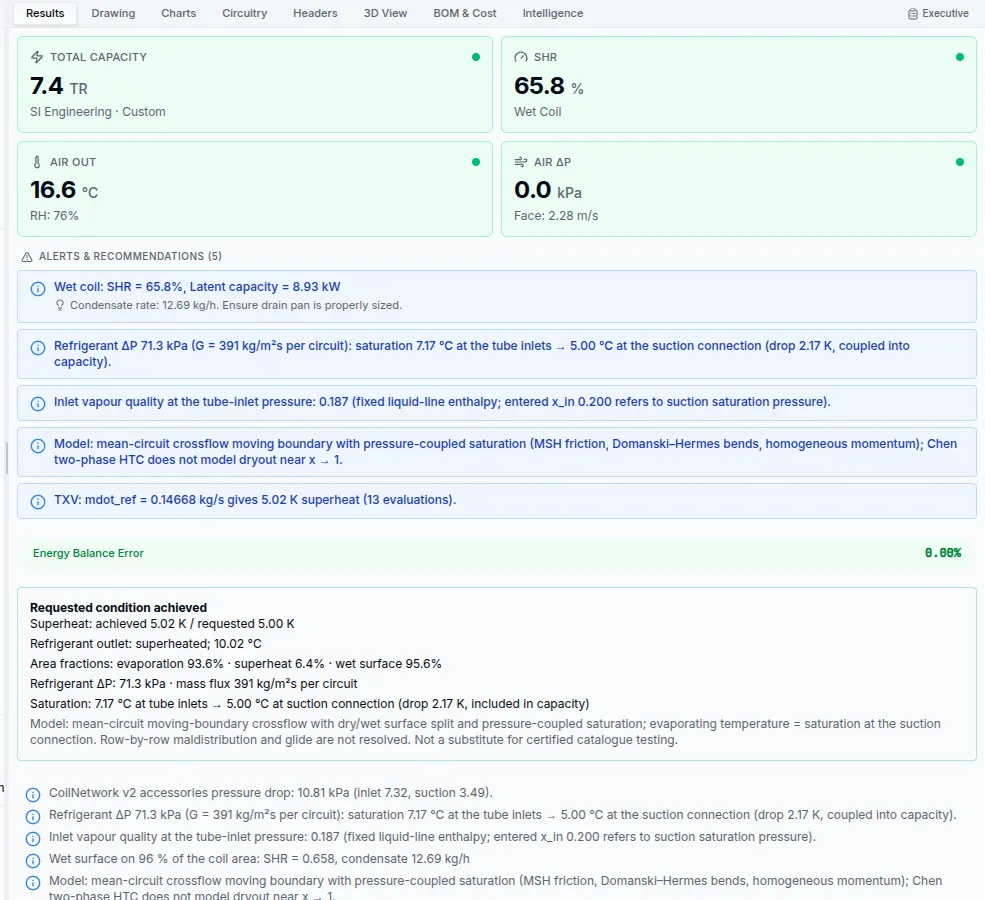
Performance and results
Review duty, outlet conditions, pressure drops and warnings. Professional and above add PDF thermal reports and CSV/JSON exports.
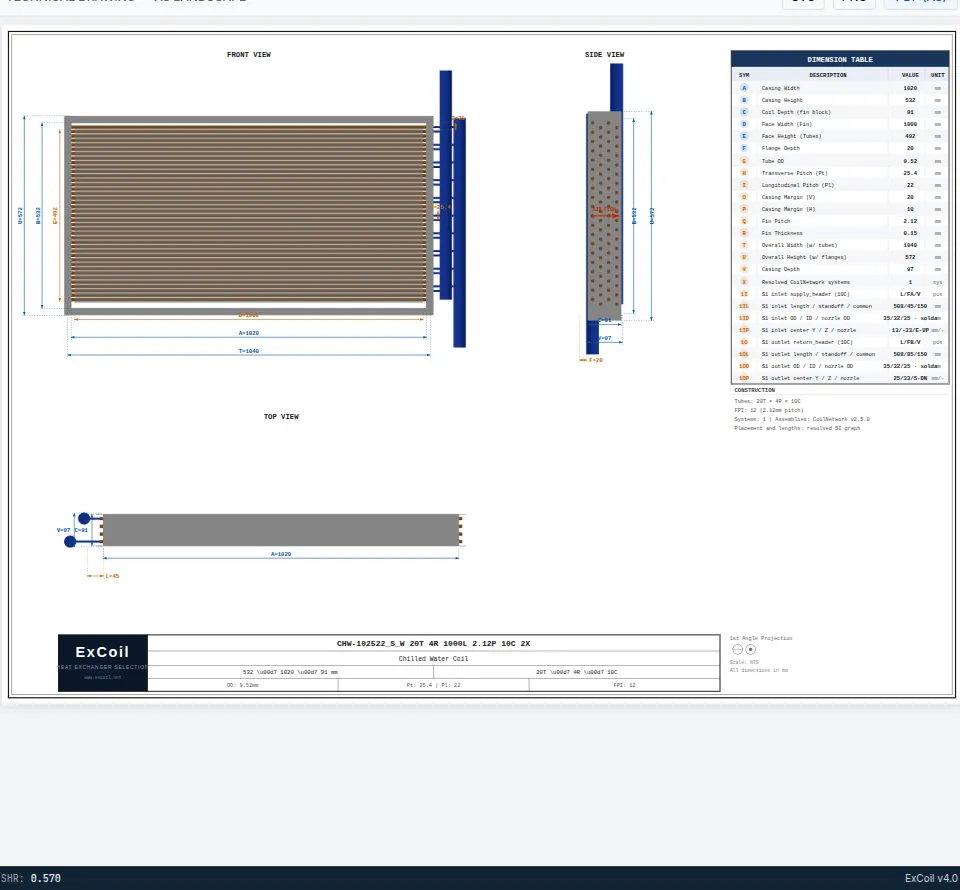
Technical documentation
Professional includes simple general 2D views, not fabrication drawings. Manufacturer adds detailed drawings and part fabrication files.
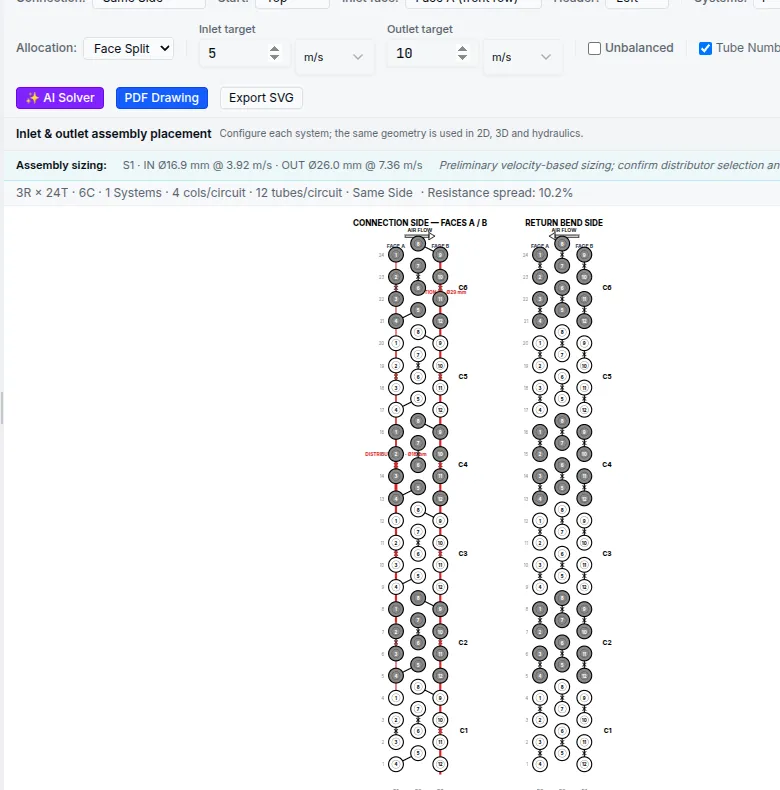
Circuitry and construction
Enterprise adds circuitry and nominal header configuration. Manufacturer adds detailed circuitry, headers and fabrication documentation, where supporting data are available.
Detailed drawings and DXF/STL/STEP part fabrication files require Manufacturer. Shell & Tube fabrication files also require its add-on. Results need qualified engineering review; previews are not a fabrication release.
Calculation engine you can inspect
Published correlations, physical tube counts and explicit assumptions. Where a model does not apply, ExCoil says so.
Real fluid properties
Refrigerant tables generated with CoolProp 7.2 (HEOS) for 16 fluids, including R32, R410A, R134a, R1234yf, R1234ze, R290, R744 and R717, with a SHA-256 manifest.
Air side
Wang–Chi–Chang (2000) heat transfer and friction for plain fins with actual fin thickness, Schmidt fin efficiency, and dry or wet surface by enthalpy potential.
Refrigerant side
Mean-circuit moving-boundary DX models. The evaporator couples saturation to pressure; the condenser holds thermal saturation constant and reports pressure-drop diagnostics. Return bends use Domanski–Hermes.
Shell side
Bell-Delaware heat transfer and pressure drop with leakage and bypass corrections, on a tube layout computed from the real shell and bundle clearances.
Honest results, not marketing numbers
ExCoil is built for engineers who need to defend a selection. The software reports when a coil does not reach its target, when a circuit is hydraulically infeasible or when an input falls outside the validity range of a correlation.
- Energy balance between air and fluid side shown on every result
- No hidden calibration factors applied without a test reference
- Physical tube counts — fractional tubes are never created
- Commercial pipe sizes for headers and connections
- Results are preliminary estimates; certification remains with you
Bring ExCoil calculations into your AI workflow
Connect a compatible AI client to ExCoil’s existing engineering engines through Model Context Protocol (MCP). Available with an active Manufacturer subscription or valid Manufacturer trial.
- Run all six finned-tube calculators: DX evaporator, condenser, chilled water, hot water, steam and dry cooler.
- Optionally allow read-only access to your own projects. Project access is not required for new calculations.
- Use a dedicated, revocable token with a 7, 30 or 90-day expiry, separate from REST API keys.
A connection you control
- 01
Create a connection
Open MCP in ExCoil, name the connection and select its expiry. Enable project reading only if needed.
- 02
Configure your client
Use the displayed endpoint with Streamable HTTP and a manual Authorization: Bearer header. OAuth is not supported.
- 03
Calculate and review
Ask the client to read the usage rules and input schema. Supply real inputs and review the engine’s warnings and limits.
Your client must support manual HTTP URL and Bearer-header configuration. Compatibility is not automatic for every AI client.
MCP does not expose Shell & Tube calculations, PDF/CAD exports, project writing, administration or billing.
Results remain engineering estimates and require qualified review. Revocation blocks new requests; it does not erase data already shared with the AI client.
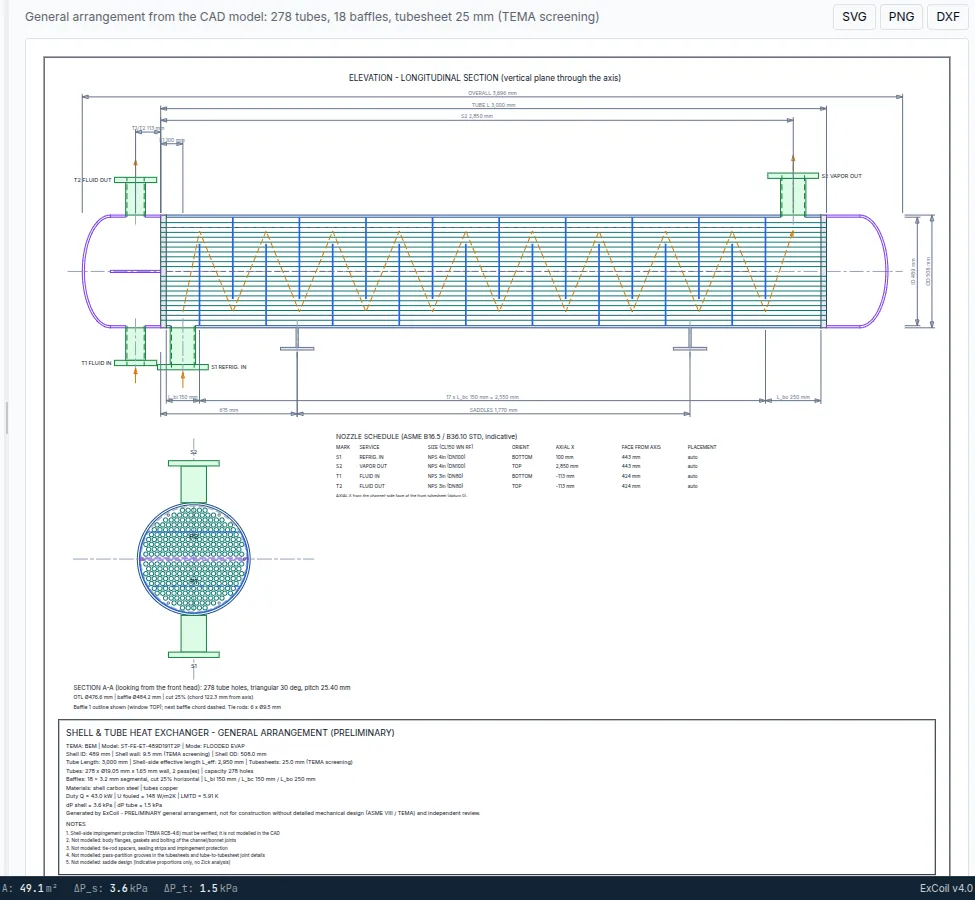
Real screens from the application
Screenshots captured from the running software with default example inputs. No mock-ups.
Who it was built for
Coil and heat exchanger manufacturers
Quote faster with consistent selections, branded PDF reports, drawings and bills of materials generated from one model.
HVAC&R consulting engineers
Check supplier selections, compare alternatives and document assumptions with traceable property data.
OEM and plant engineering teams
Size coils for air handlers, chillers, heat pumps, dry coolers and process heat exchangers in a single workspace.
Students and researchers
Explore how geometry, circuiting and fluids change performance. Academic access is available after review.
Start with Lite at US$9/month
Professional includes general 2D views, PDF thermal reports and CSV/JSON data. Enterprise adds general 3D views and batch/API, not fabrication CAD. Manufacturer adds detailed drawings and part fabrication files in DXF, STL and STEP. Shell-and-tube fabrication files require Manufacturer in addition to the module add-on.